What is the dashboard?
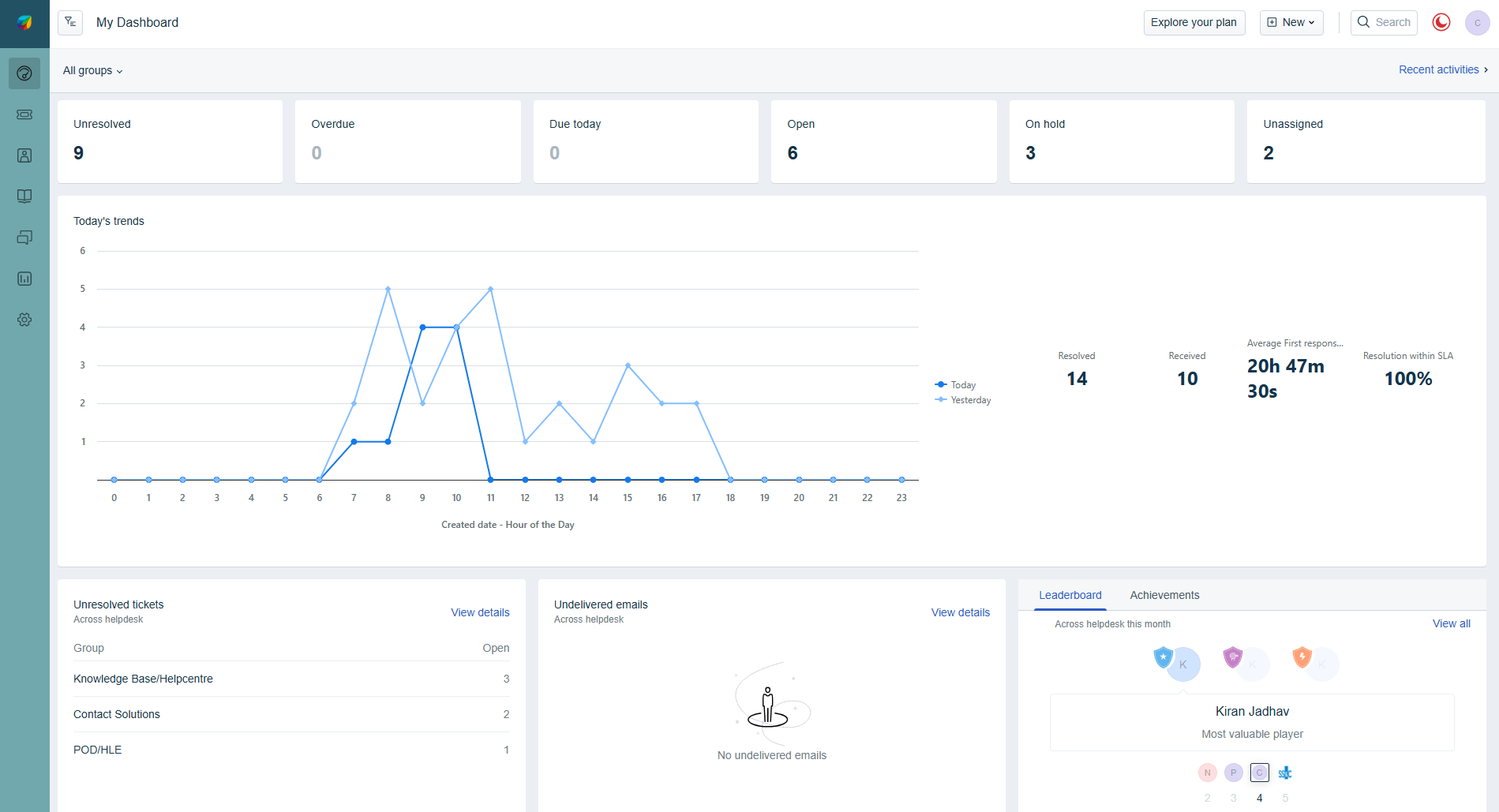
The default dashboard in Freshdesk offers an overall view of the entire helpdesk’s performance and KPIs. These widgets are fixed with options to filter by Group and Product. With customisable Team Dashboards, teams/groups within an organisation can get a clear picture of just their team’s performance, at a glance. This will help Supervisors of specific teams to monitor their teams’ performances, quickly manage the ticket flow, and measure their teams’ productivity.
How can I change/customise my team's dashboard?
As a Manager, you can customise your dashboard to show just the required metrics for your teams. This customised dashboard gives the agents of that team visibility into tickets that require immediate attention, helps them to quickly jump in and assist the team to improve team’s overall metrics, and even help motivate themselves to make it to the top of the leaderboard.
Is there a maximum number of custom dashboards I can create?
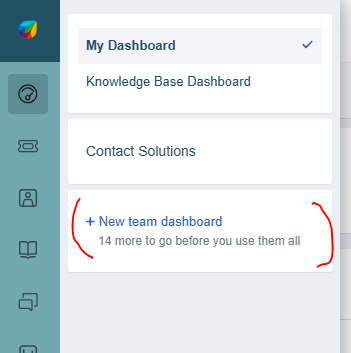
Yes. You can create up to a maximum of 15 custom dashboards.
How can I find out more about what each measure shows?
Click here to find out more about the Team Dashboards.
Was this article helpful?
That’s Great!
Thank you for your feedback
Sorry! We couldn't be helpful
Thank you for your feedback
Feedback sent
We appreciate your effort and will try to fix the article