Internal Knowledge Base Portal Home
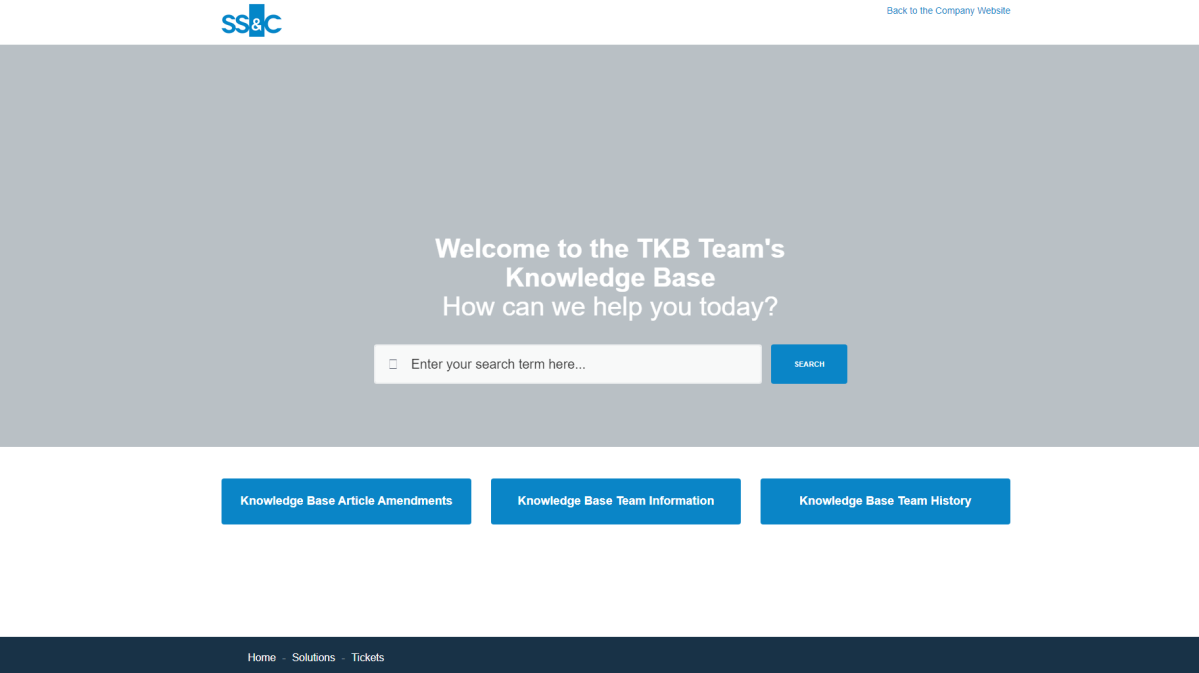
Our TKB Team solution home looks like this:
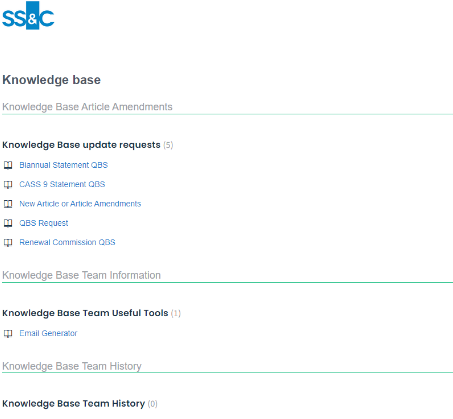
This is separated by categories and folders
Categories
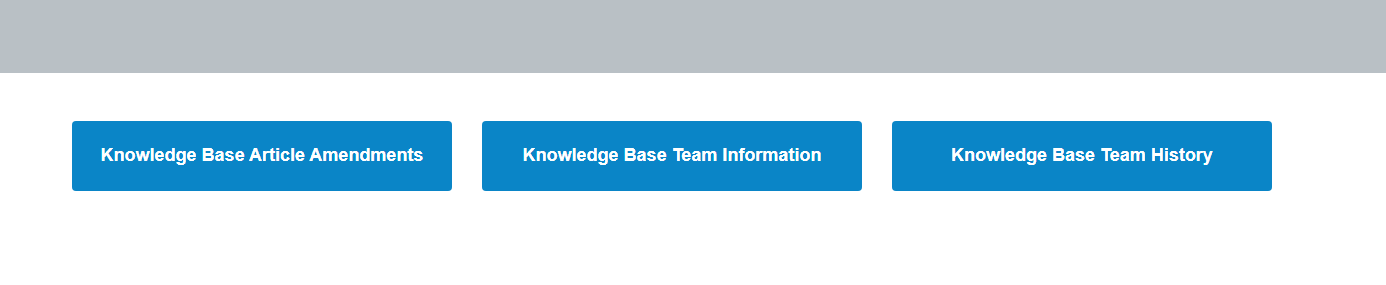
When clicking on a Category option it takes you to this screen, highlighted is the Category
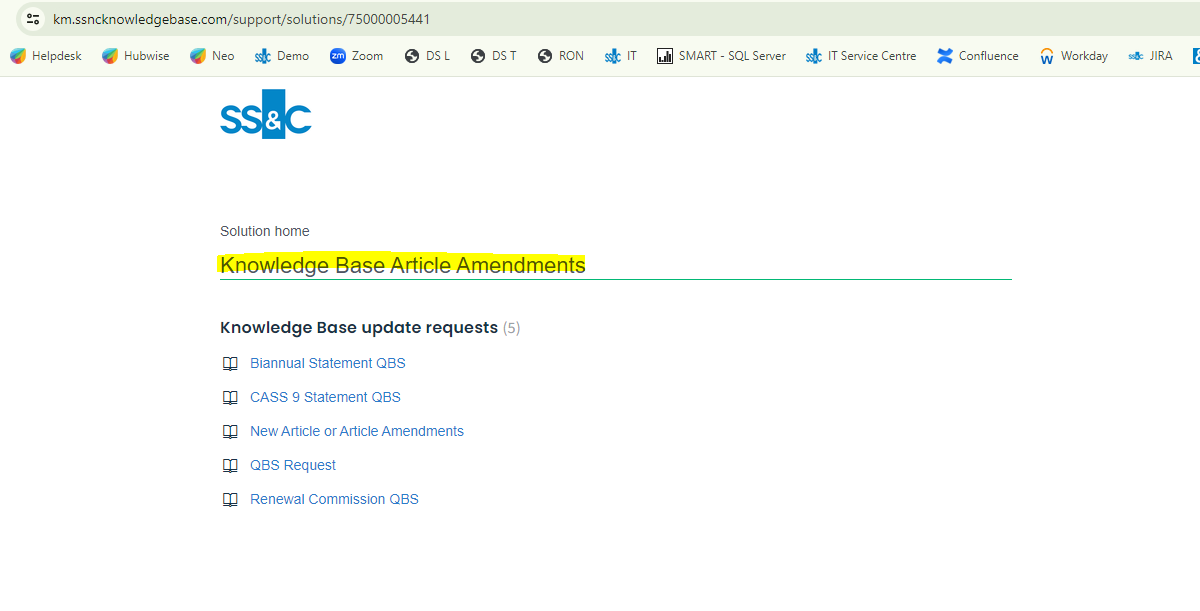
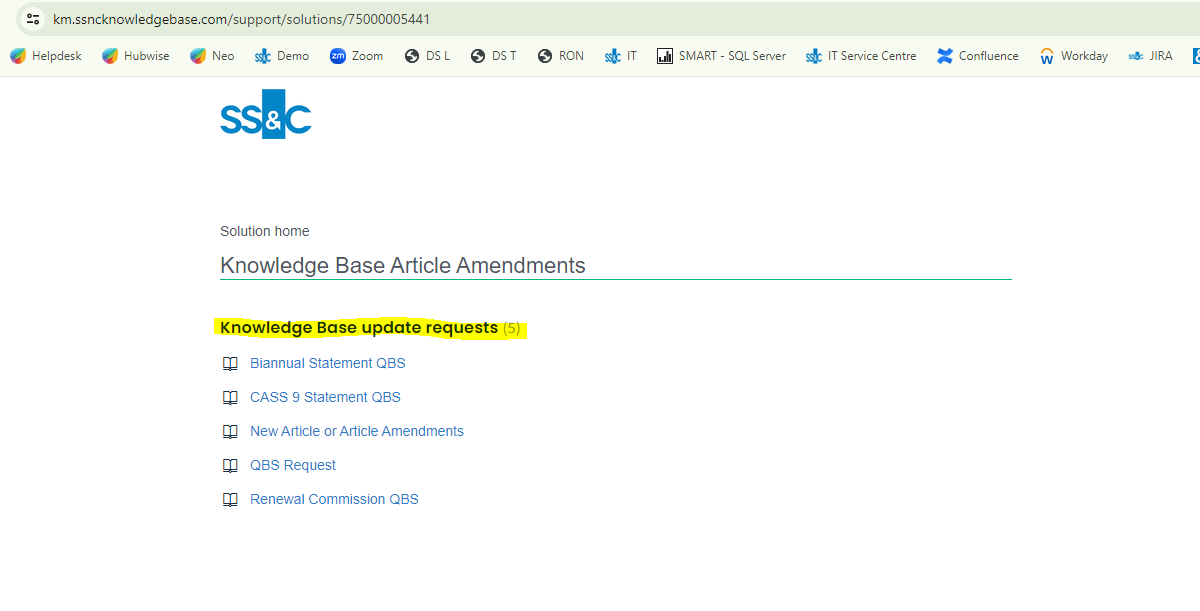
Folders
Highlighted below is the Folder, you can have multiple folders under 1 category:
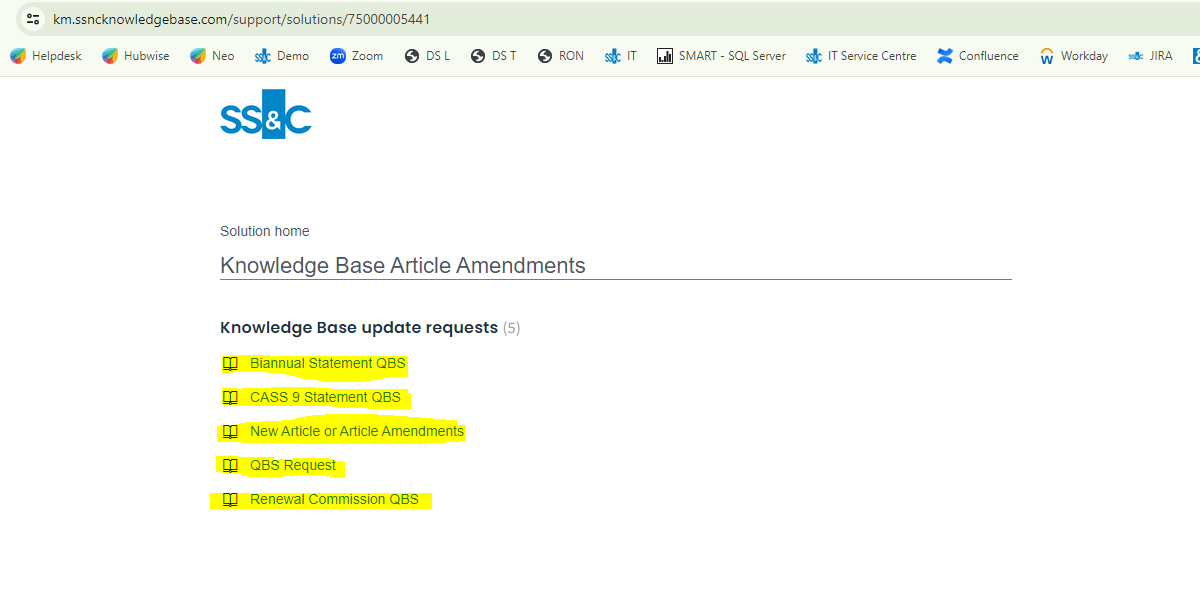
Articles
Highlighted below are the articles
When you select one of the articles it comes to view as below:
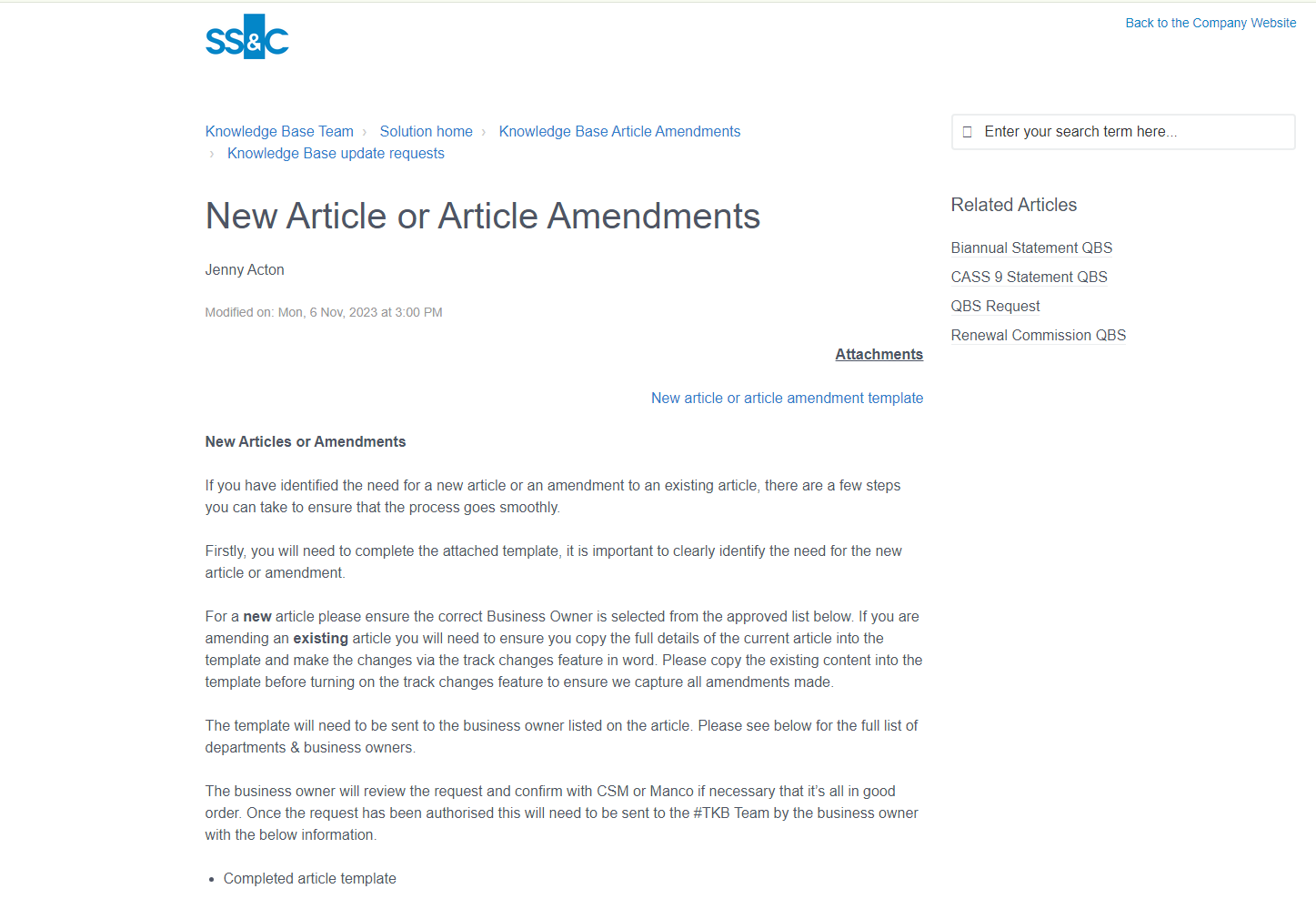
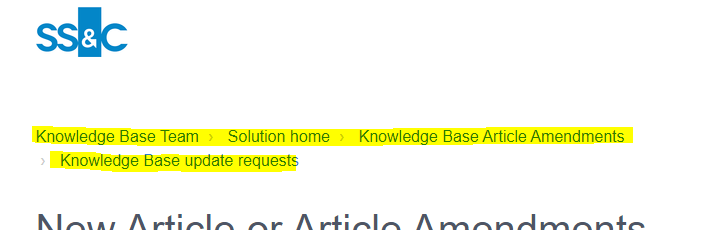
Here you can see the folder, category, solution home (where all the Knowledge Base content is stored) and portal home.
For Internal Use Only:
Business Owner Team: TKB Team
Business Owner Contact Details: tkbteam@sscinc.com
Note: All Knowledge Base updates are approved by the Business Owner.
Was this article helpful?
That’s Great!
Thank you for your feedback
Sorry! We couldn't be helpful
Thank you for your feedback
Feedback sent
We appreciate your effort and will try to fix the article